What can you build with a screenshot API?
A screenshot API turns a URL into an image of the page as a browser drew it. urlshot.io loads each page in Chromium, runs its scripts, waits for its web fonts, and returns a PNG, JPEG or WebP.
That helps wherever an application has to show, keep or inspect how a page looks rather than what its HTML says. Each page below covers one workflow: the problem, where the API fits, and example code for it.
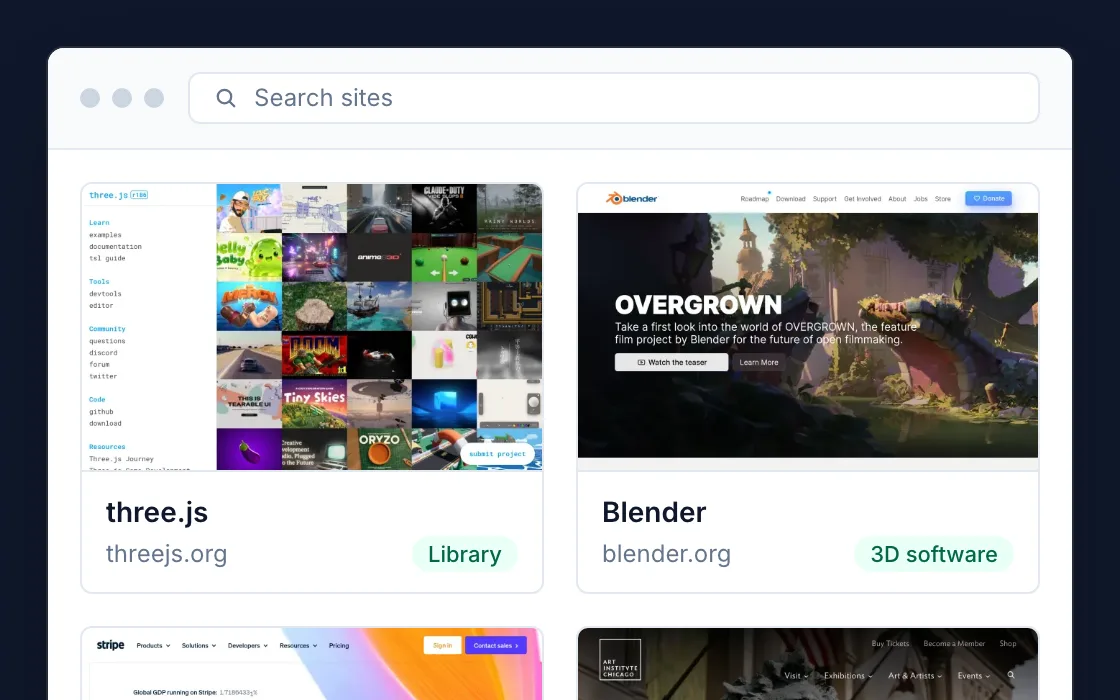
Website thumbnails
Show what a site looks like next to its name: in a directory, a bookmark list, a CRM record or a dashboard.
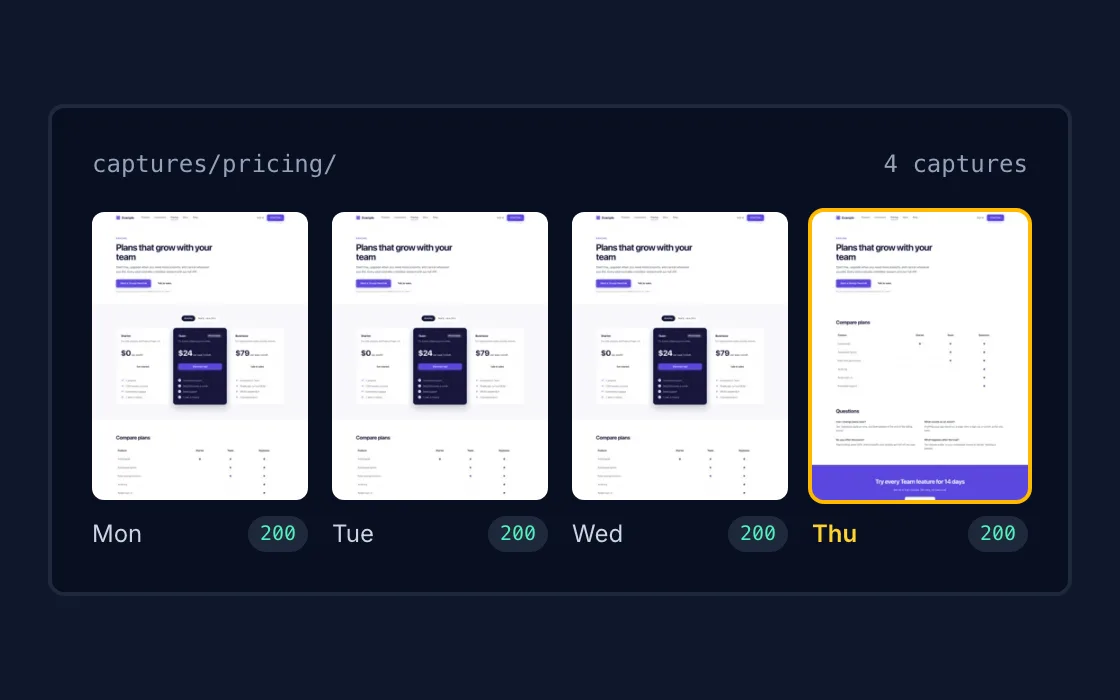
Website monitoring
Capture the same pages on a schedule and keep every image, so you can see when a page changed and what it looked like before.
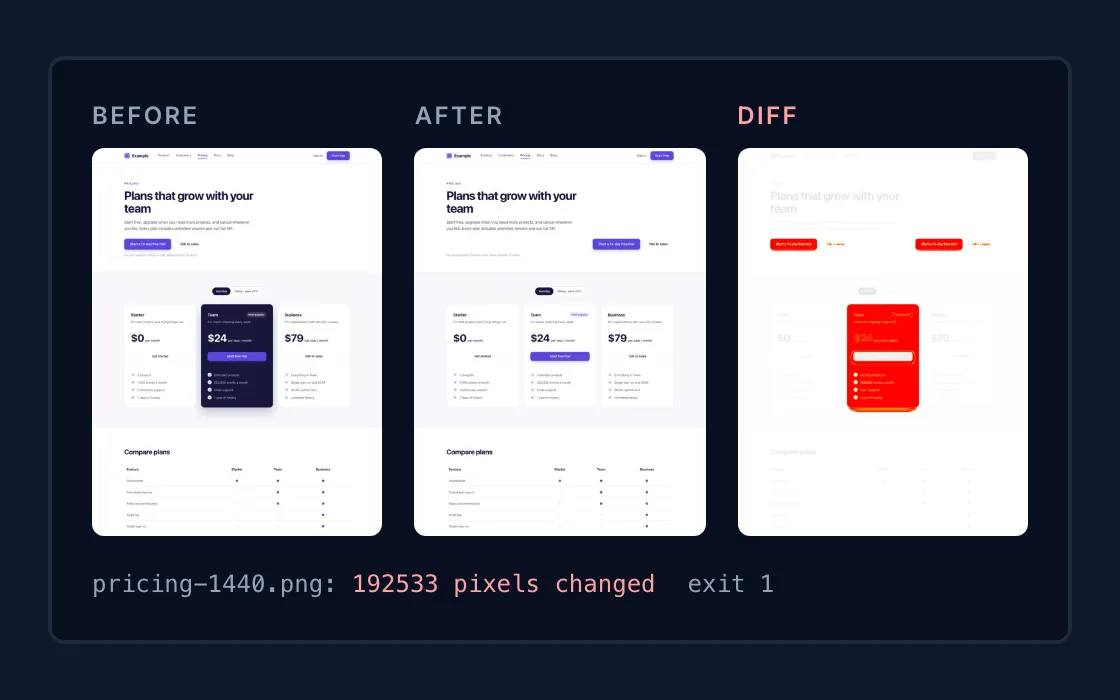
Visual regression testing
Capture your pages before and after a deployment in the same browser, and fail the build when something moved that should not have.
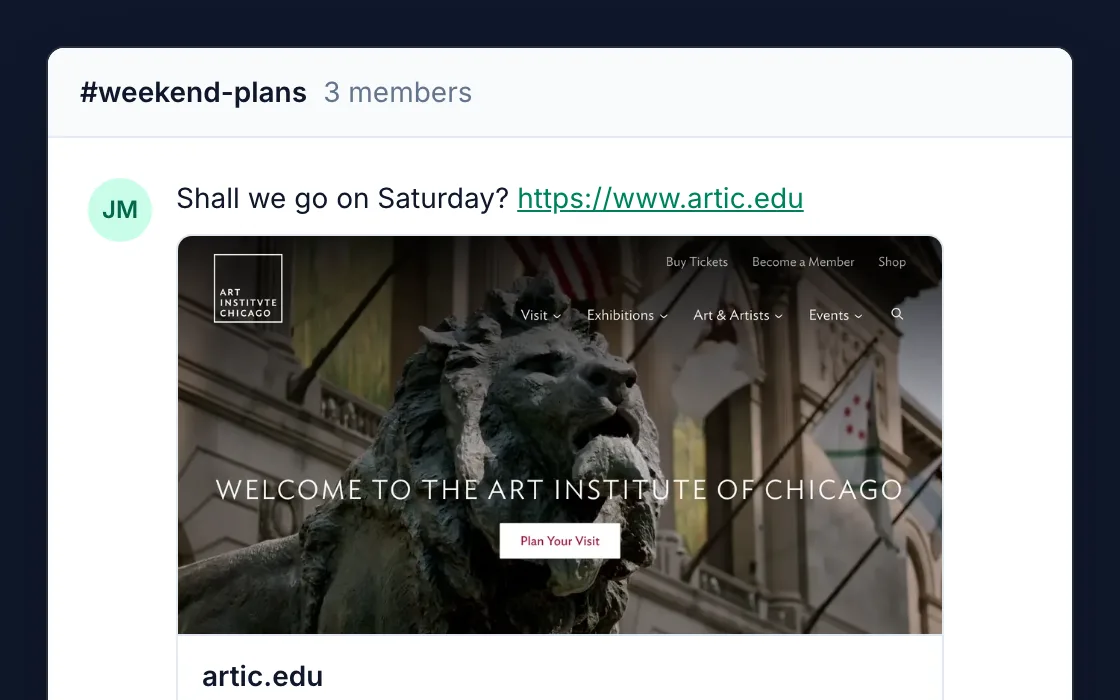
Link previews
Show a picture of the page behind a link that someone shared in your app, even when the page has no preview image of its own.
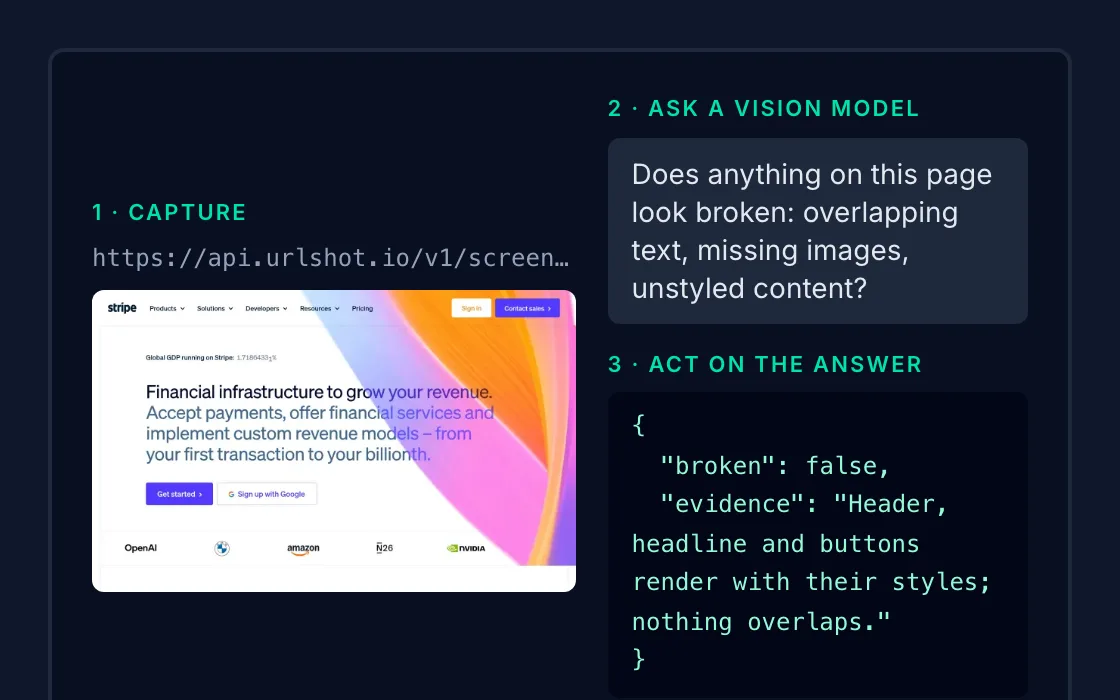
AI agents
Give a vision model the page as a browser renders it: layout, charts and dialogs that extracted text leaves out.
One API, many workflows.
Every use case here calls the same endpoint, https://api.urlshot.io, with the same key and the same credits. What changes is a handful of options: the viewport, the scale, the format, whether to capture the whole page, and whether a repeat request may come from cache.
Send them as query parameters with GET, or as a JSON body with POST. Every option, its range and its default is in the parameter reference. The code examples show the same request in your own language, from cURL to Go.
| Use case | What it sends | Why |
|---|---|---|
| Website thumbnails |
| A desktop layout, returned at half its pixel size: small enough to store and serve as a thumbnail. |
| Website monitoring |
| The whole page without its consent dialog, lossless, and rendered fresh on every scheduled run. |
| Visual regression testing |
| The same viewport and browser every time, animations frozen, lossless: two captures differ only where the page did. |
| Link previews |
| The shape link cards use, and a cached copy when the same link is shared again, or a signed URL straight in the card. |
| AI agents |
| One screen of the page, sized for a vision model to read without shrinking the text. |
Each screenshot costs one credit, and a request served from cache costs none. The free plan includes 100 a month, which is enough to try every workflow on this page. See caching and credits for exactly what is charged.
Start capturing websites.
Create your API key and make your first screenshot request in minutes.