Screenshot API for developers Capture any web page with one API call.
Send a URL, get back a PNG, JPEG or WebP screenshot.
Pages load in a real browser (Chromium), so JavaScript, web fonts and layout look exactly as your visitors see them.
- 100 free screenshots every month
- No credit card needed
https://api.urlshot.io/v1/screenshot?url=https://threejs.org&viewport_width=1024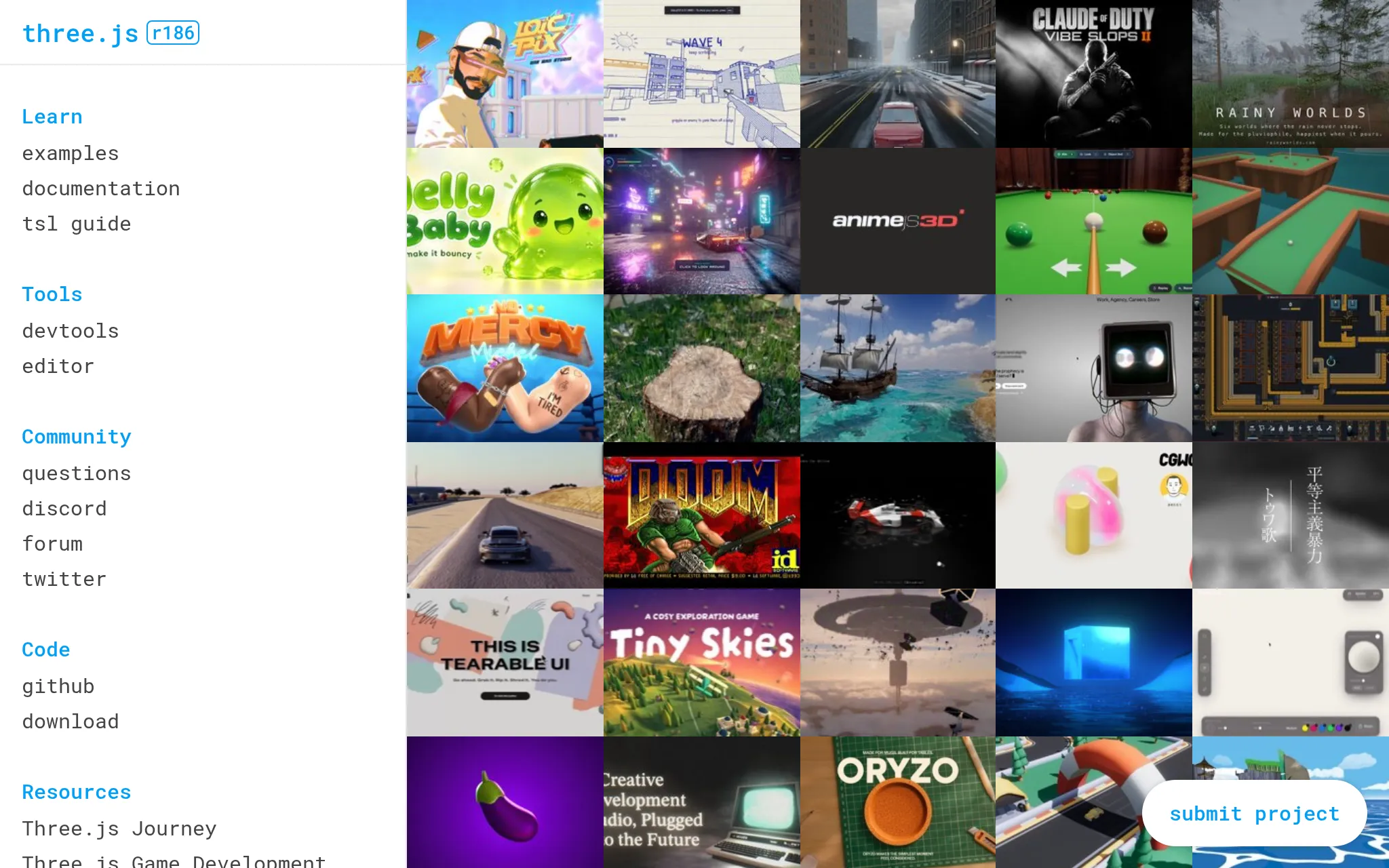

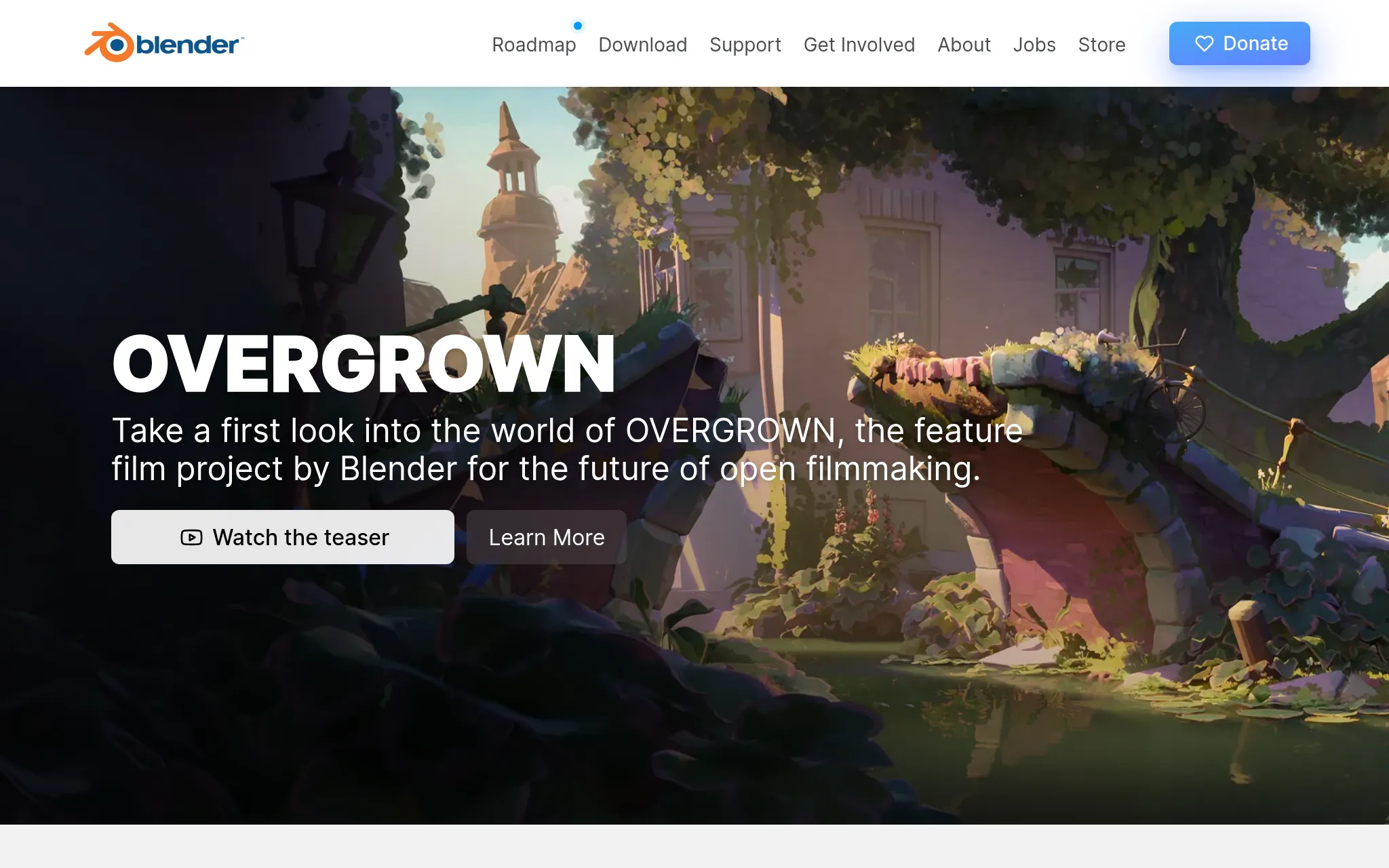
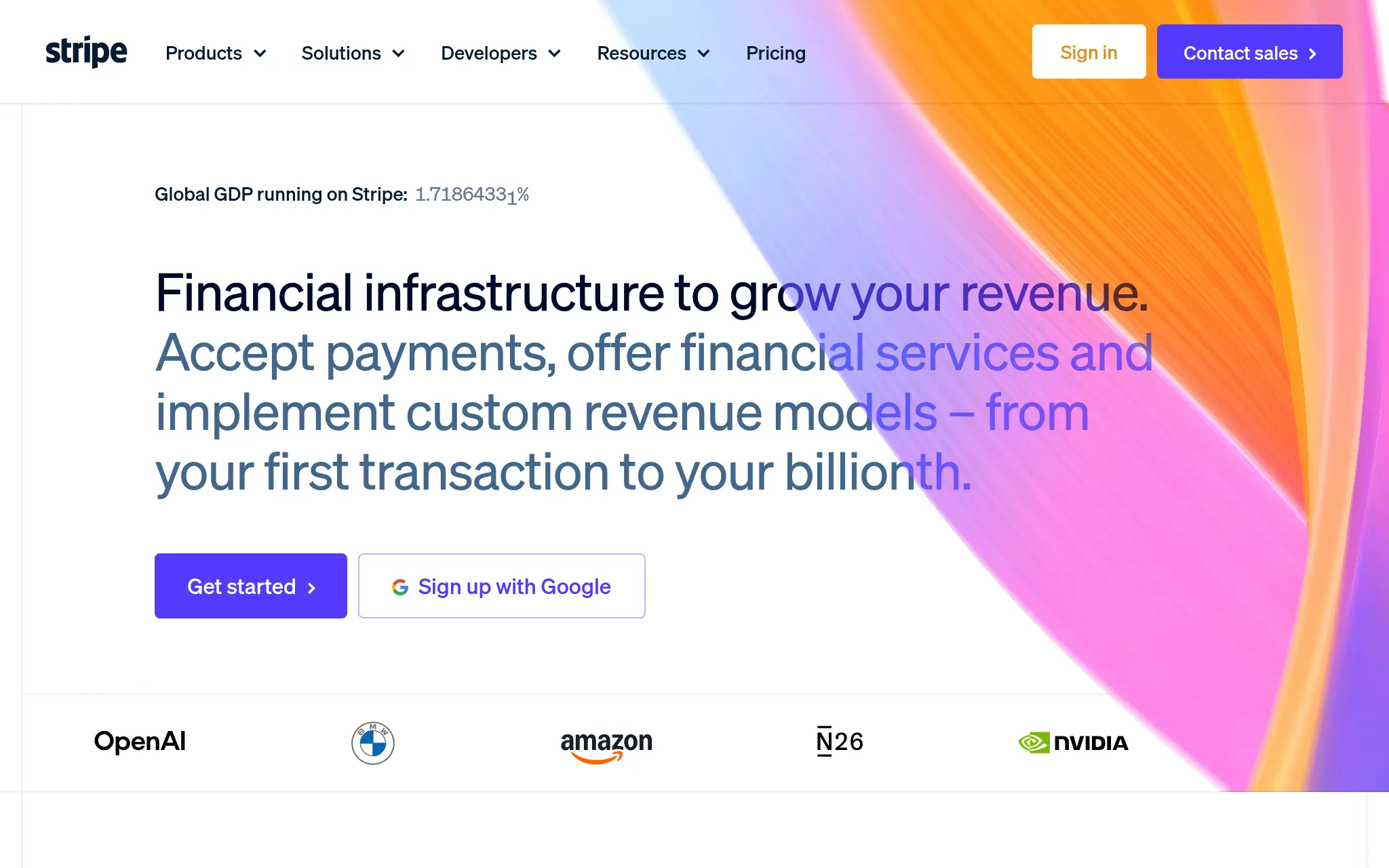
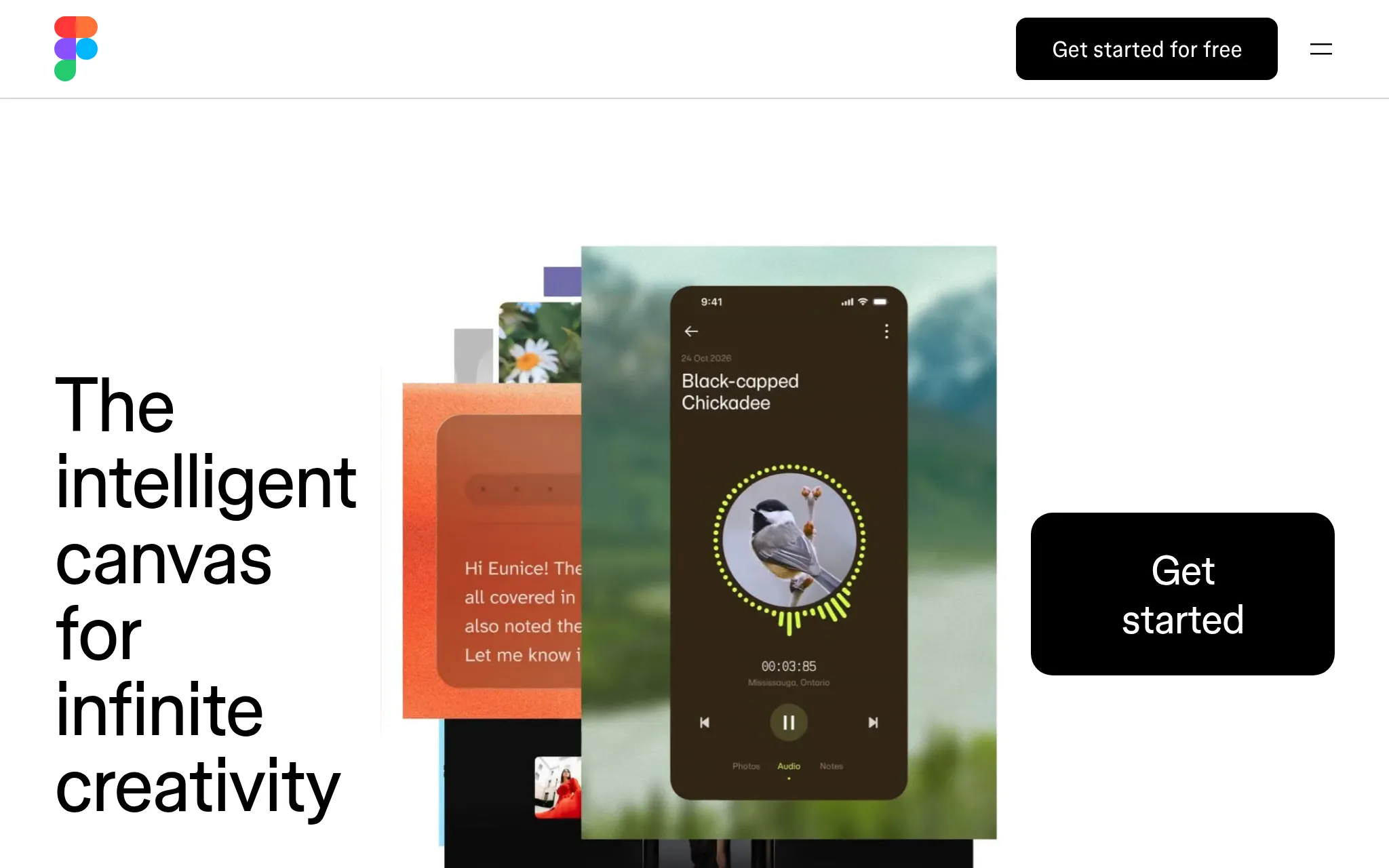
Live demo
Try it with any web page.
No sign-up needed. Enter a public URL and see the exact screenshot the API returns.
The demo needs JavaScript. Get 100 free screenshots a month and try it from the dashboard instead.
Get the same screenshot from your code
The demo shows a few options. Every option in the playground is free to try: PNG, JPEG or WebP, any screen size, Retina sharpness, delays, hidden elements and more. Create a free account to start.
Demo screenshots are limited per visitor. How the demo handles your data.
Features
Everything you need to capture a page.
Pages load in a real browser, with scripts, fonts and lazy-loaded content. Then you choose how to capture them, one parameter per option.
Renders like a real browser
JavaScript runs, web fonts load and lazy content appears. Take the shot on page load, when the network goes quiet, or after a delay.
wait_until=networkidle0PNG, JPEG or WebP
Pick the format and quality: WebP for small files you serve, PNG when you need a lossless image.
format=webp&quality=80Full-page screenshots
Capture the visible screen, or the whole page from top to bottom in one image.
full_page=trueAny screen size, Retina-sharp
Viewports from 200 to 3840 pixels wide, at up to 3× pixel density for crisp images on Retina screens.
viewport_width=1920&device_scale_factor=2Capture one element
Pass a CSS selector and get just that element: a pricing table, a chart, an embedded post. It is captured at its own size, even when it is taller than the screen.
selector=.pricing-tableNo cookie banners
One parameter hides consent pop-ups and unlocks scrolling. Hide anything else with your own selectors, CSS or script.
block_cookie_banners=true
See all parameters, or use cases from website thumbnails to AI agents.
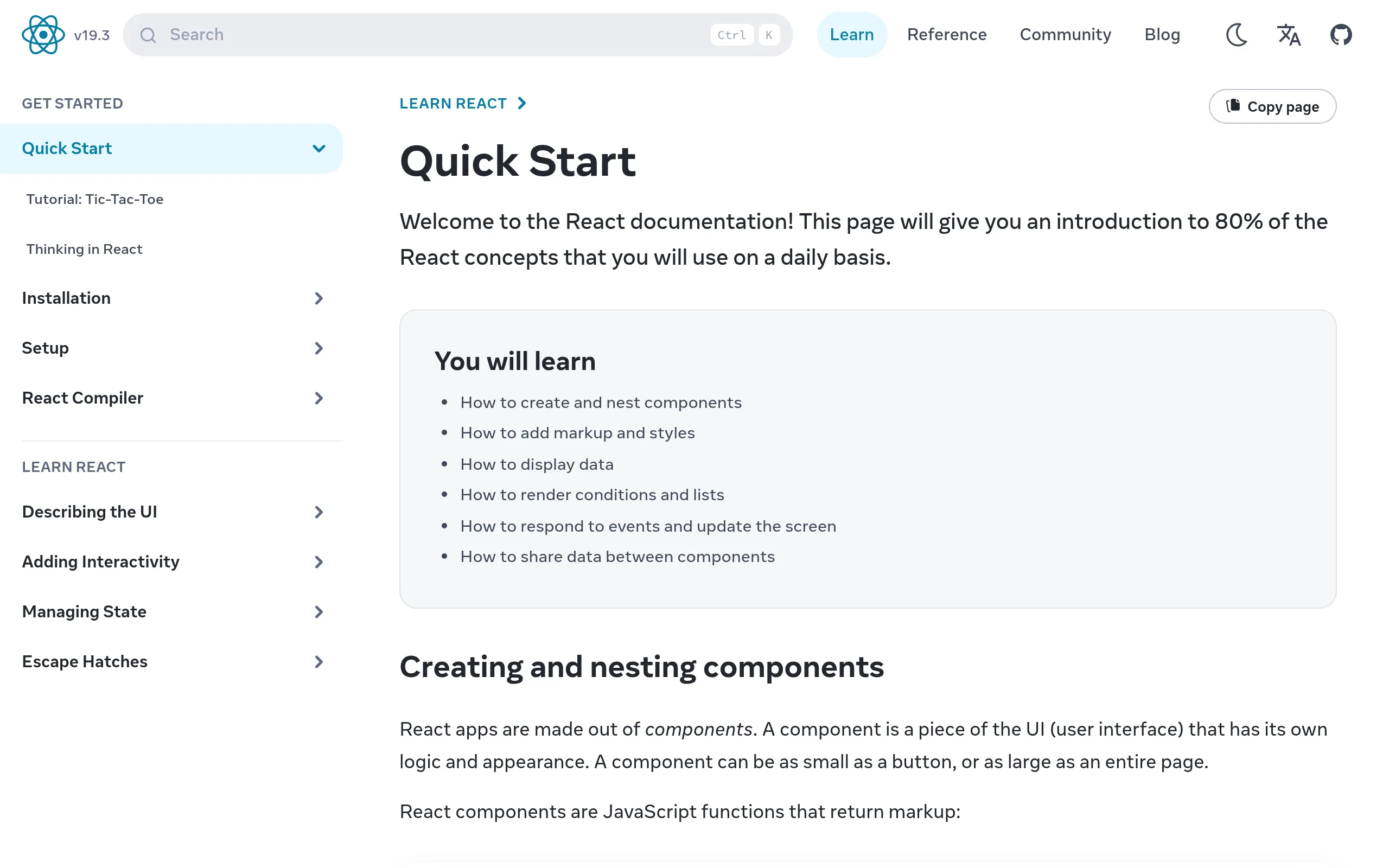
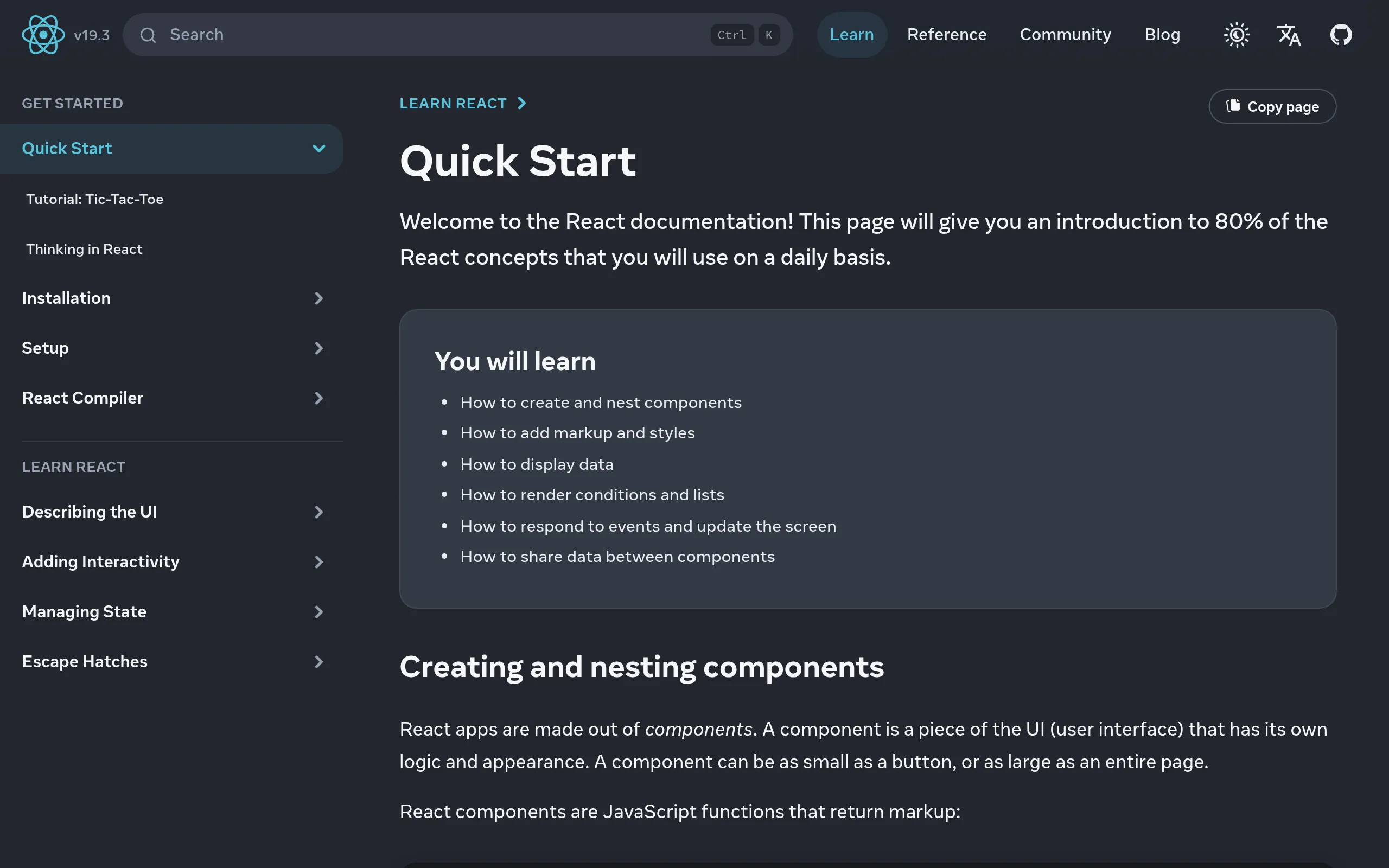
Dark mode, one parameter away.
The same page, captured twice. The only difference is dark_mode=true.
Default
Dark mode
Start in three steps.
No SDK to install: any language that can send an HTTP request can use the API.
Get a free API key
Create one in your dashboard. No credit card needed.
Send a request
Call one endpoint with the page URL and the options you want.
Save the image
The response is the screenshot itself. Write it to a file or upload it to storage.
cURL
curl -G "https://api.urlshot.io/v1/screenshot" \
  -H "Authorization: Bearer $URLSHOT_API_KEY" \
  --data-urlencode "url=https://example.com" \
  --data-urlencode "full_page=true" \
  --output screenshot.png
Node.js
const params = new URLSearchParams({
  url: 'https://example.com',
  format: 'webp',
  full_page: 'true',
});

const response = await fetch(`https://api.urlshot.io/v1/screenshot?${params.toString()}`, {
  headers: { Authorization: `Bearer ${process.env.URLSHOT_API_KEY}` },
});

if (!response.ok) {
  // Every non-2xx response is the JSON envelope, never image bytes.
  const { error } = await response.json();
  throw new Error(`${error.code}: ${error.message} (request ${error.requestId})`);
}

const image = Buffer.from(await response.arrayBuffer());
Python
import os, requests

response = requests.get(
    "https://api.urlshot.io/v1/screenshot",
    headers={"Authorization": f"Bearer {os.environ['URLSHOT_API_KEY']}"},
    params={"url": "https://example.com", "format": "jpeg", "quality": 90},
    timeout=60,
)

if response.status_code != 200:
    error = response.json()["error"]
    raise RuntimeError(f"{error['code']}: {error['message']} ({error['requestId']})")

open("screenshot.jpg", "wb").write(response.content)
PHP
<?php
// Requires the PHP cURL extension.
$params = http_build_query([
    'url' => 'https://example.com',
    'viewport_width' => 1280,
    'full_page' => 'true',
]);

$request = curl_init('https://api.urlshot.io/v1/screenshot?' . $params);
curl_setopt_array($request, [
    CURLOPT_RETURNTRANSFER => true,
    CURLOPT_HTTPHEADER => ['Authorization: Bearer ' . getenv('URLSHOT_API_KEY')],
    CURLOPT_TIMEOUT => 60,
]);

$body = curl_exec($request);
if ($body === false) {
    throw new RuntimeException('Screenshot request failed: ' . curl_error($request));
}

if (curl_getinfo($request, CURLINFO_RESPONSE_CODE) !== 200) {
    $error = json_decode($body, true, 512, JSON_THROW_ON_ERROR)['error'];
    throw new RuntimeException(
        $error['code'] . ': ' . $error['message'] . ' (request ' . $error['requestId'] . ')'
    );
}

if (file_put_contents('screenshot.png', $body) === false) {
    throw new RuntimeException('Could not write screenshot.png');
}
Ruby
require "json"
require "net/http"

uri = URI("https://api.urlshot.io/v1/screenshot")
uri.query = URI.encode_www_form(
  url: "https://example.com",
  viewport_width: 1280,
  full_page: true,
)

request = Net::HTTP::Get.new(uri)
request["Authorization"] = "Bearer #{ENV.fetch("URLSHOT_API_KEY")}"

response = Net::HTTP.start(uri.host, uri.port, use_ssl: uri.scheme == "https", read_timeout: 60) do |http|
  http.request(request)
end

unless response.is_a?(Net::HTTPSuccess)
  # Every non-2xx response is the JSON envelope, never image bytes.
  error = JSON.parse(response.body).fetch("error")
  raise "#{error["code"]}: #{error["message"]} (request #{error["requestId"]})"
end

File.binwrite("screenshot.png", response.body)
Java
// Java 11 or later. No dependencies.
import java.net.URI;
import java.net.URLEncoder;
import java.net.http.HttpClient;
import java.net.http.HttpRequest;
import java.net.http.HttpResponse;
import java.nio.charset.StandardCharsets;
import java.nio.file.Files;
import java.nio.file.Path;
import java.time.Duration;
import java.util.LinkedHashMap;
import java.util.Map;
import java.util.stream.Collectors;

public class Screenshot {
    public static void main(String[] args) throws Exception {
        Map<String, String> params = new LinkedHashMap<>();
        params.put("url", "https://example.com");
        params.put("viewport_width", "1280");
        params.put("full_page", "true");

        String query = params.entrySet().stream()
            .map(e -> URLEncoder.encode(e.getKey(), StandardCharsets.UTF_8) + "="
                + URLEncoder.encode(e.getValue(), StandardCharsets.UTF_8))
            .collect(Collectors.joining("&"));

        HttpRequest request = HttpRequest.newBuilder(URI.create("https://api.urlshot.io/v1/screenshot?" + query))
            .header("Authorization", "Bearer " + System.getenv("URLSHOT_API_KEY"))
            .timeout(Duration.ofSeconds(60))
            .build();

        HttpResponse<byte[]> response = HttpClient.newHttpClient()
            .send(request, HttpResponse.BodyHandlers.ofByteArray());

        if (response.statusCode() != 200) {
            // Every non-2xx response is the JSON envelope, never image bytes. Java has no JSON
            // parser built in, so this reports it whole: code, message and requestId are all in it.
            throw new IllegalStateException(new String(response.body(), StandardCharsets.UTF_8));
        }

        Files.write(Path.of("screenshot.png"), response.body());
    }
}
C# / .NET
// .NET 6 or later: a `dotnet new console` project. No packages.
using System.Net.Http.Headers;
using System.Text.Json;

var query = await new FormUrlEncodedContent(new Dictionary<string, string>
{
    ["url"] = "https://example.com",
    ["viewport_width"] = "1280",
    ["full_page"] = "true",
}).ReadAsStringAsync();

using var client = new HttpClient { Timeout = TimeSpan.FromSeconds(60) };
client.DefaultRequestHeaders.Authorization = new AuthenticationHeaderValue(
    "Bearer", Environment.GetEnvironmentVariable("URLSHOT_API_KEY"));

using var response = await client.GetAsync($"https://api.urlshot.io/v1/screenshot?{query}");

if (!response.IsSuccessStatusCode)
{
    // Every non-2xx response is the JSON envelope, never image bytes.
    using var body = JsonDocument.Parse(await response.Content.ReadAsStringAsync());
    var error = body.RootElement.GetProperty("error");
    throw new InvalidOperationException(
        $"{error.GetProperty("code")}: {error.GetProperty("message")} (request {error.GetProperty("requestId")})");
}

await File.WriteAllBytesAsync("screenshot.png", await response.Content.ReadAsByteArrayAsync());
Go
package main

import (
	"encoding/json"
	"io"
	"log"
	"net/http"
	"net/url"
	"os"
	"time"
)

func main() {
	query := url.Values{}
	query.Set("url", "https://example.com")
	query.Set("viewport_width", "1280")
	query.Set("full_page", "true")

	request, err := http.NewRequest(http.MethodGet, "https://api.urlshot.io/v1/screenshot?"+query.Encode(), nil)
	if err != nil {
		log.Fatal(err)
	}
	request.Header.Set("Authorization", "Bearer "+os.Getenv("URLSHOT_API_KEY"))

	client := &http.Client{Timeout: 60 * time.Second}
	response, err := client.Do(request)
	if err != nil {
		log.Fatal(err)
	}
	defer response.Body.Close()

	body, err := io.ReadAll(response.Body)
	if err != nil {
		log.Fatal(err)
	}

	if response.StatusCode != http.StatusOK {
		// Every non-2xx response is the JSON envelope, never image bytes.
		var envelope struct {
			Error struct {
				Code      string `json:"code"`
				Message   string `json:"message"`
				RequestID string `json:"requestId"`
			} `json:"error"`
		}
		if err := json.Unmarshal(body, &envelope); err != nil {
			log.Fatal(err)
		}
		log.Fatalf("%s: %s (request %s)", envelope.Error.Code, envelope.Error.Message, envelope.Error.RequestID)
	}

	if err := os.WriteFile("screenshot.png", body, 0o644); err != nil {
		log.Fatal(err)
	}
}
Want every step explained? See the code examples for your language, or the quickstart.
Signed URLs
Embed screenshots in your pages.
Sign a URL on your server, then use it in an <img> tag.
Anyone can view it but no one can change it, and your secret key never reaches the page.
Included on every plan
<img src="https://api.urlshot.io/v1/screenshot?key=pk_…&url=…&signature=…" />Pricing
Simple, per-screenshot pricing.
Start free and upgrade when you need more. Each screenshot costs one credit; cached screenshots and requests rejected before rendering are free.
Free
Enough to build against and decide.
Free
100 screenshots a month
- 1 concurrent render
- Up to 15 s per render
- Cache up to 1 hour
- PNG, JPEG and WebP
- Custom CSS
- Signed URLs for embedding
Startup
For a side project or a product finding its feet.
$9 / month excl. tax
$90 / year excl. tax
1,000 screenshots a month
$0.009 each
$7.50 a month, billed yearly
- 5 concurrent renders
- Up to 30 s per render
- Cache up to 24 hours
- PNG, JPEG and WebP
- Custom CSS and JavaScript
- Signed URLs for embedding
GrowthRecommended
For steady volume and bursts of captures at once.
$29 / month excl. tax
$290 / year excl. tax
10,000 screenshots a month
$0.0029 each
$24.17 a month, billed yearly
- 20 concurrent renders
- Up to 30 s per render
- Cache up to 24 hours
- PNG, JPEG and WebP
- Custom CSS and JavaScript
- Signed URLs for embedding
Scale
For high volume and pages that load many captures together.
$149 / month excl. tax
$1,490 / year excl. tax
100,000 screenshots a month
$0.0015 each
$124.17 a month, billed yearly
- 50 concurrent renders
- Up to 30 s per render
- Cache up to 24 hours
- PNG, JPEG and WebP
- Custom CSS and JavaScript
- Signed URLs for embedding
Prices exclude VAT and sales tax, which are added at checkout where your country requires them.
Roadmap
More than a screenshot API.
Screenshots are the foundation. We are working on visual web infrastructure built on them: persistent snapshots, visual comparison, scheduled monitoring and change notifications.
View the roadmapFrequently asked questions.
What counts as one screenshot?
Each request that reaches the browser costs one credit, even if the page then fails to load, because the work was done either way.
Screenshots served from cache are free, and so are requests rejected before rendering: an invalid parameter, a bad key or a limit reached. Every response shows its cost in X-Urlshot-Credits-Used. See caching and credits.
What happens when I run out of credits?
Further requests are rejected with 429 monthly_limit_exceeded until your credits reset at the start of the next billing period, or until you upgrade. You are never charged automatically for going over, and unused credits don’t carry over.
Do I need a credit card to start?
No. The free plan includes 100 screenshots a month and needs no card. Upgrade from the Billing page of your dashboard when you need more. See pricing.
Does it capture pages built with JavaScript?
Yes. Pages load in headless Chromium, which runs their scripts, loads their web fonts and lays them out like any browser. By default the screenshot waits for the page to load and its network to go quiet, for up to 3 seconds. If content appears later than that, use wait_until=networkidle0 or add a delay_ms.
There’s no GPU, so content that needs WebGL shows its fallback instead. See the rendering environment for what else to expect.
How do I remove cookie banners and pop-ups?
Send block_cookie_banners=true, on any plan. It hides consent dialogs from the major platforms and unlocks page scrolling, so a full_page screenshot captures the whole page.
For anything it misses, or a pop-up that isn’t about cookies, hide elements with hide_selectors (up to 20 selectors) or your own custom_css. See cookie banners.
Can I capture just one part of a page?
Yes. Send selector with a CSS selector, on any plan, and the screenshot is that one element at its own size, even if it’s taller than the screen. If the page adds the element late, the screenshot waits for it. See capturing one element.
Can I put a screenshot in an image tag without exposing my API key?
Yes, with a signed URL, on every plan. Your server signs the URL with a secret that never leaves it. Anyone can load the result, but no one can change it. See signed URLs.
Do you store the screenshots?
Only if you turn on caching with cache_ttl. The image is then kept at the edge for that long, at most 24 hours, and only for your workspace. We don’t keep a copy beyond that, and we don’t look at them. See the privacy policy.
Can it capture a page behind a login or on my private network?
No. The page must be a public http or https address. Private and local addresses are rejected with target_not_allowed, and there is no option to send cookies or headers with the page request.
How many screenshots can I take at once?
It depends on your plan: 1, 5, 20 or 50 at the same time. A request while every slot is busy is rejected with concurrency_limit_exceeded and a Retry-After header, and costs nothing. There’s no per-second limit to plan around. See plan limits.
Can I cancel, and can I get a refund?
Cancel any time from your dashboard; your plan stays active until the end of the period you paid for. Any payment is refundable on request within 14 days under the refund policy.
Take your first screenshot in five minutes.
100 free screenshots every month. No credit card needed.